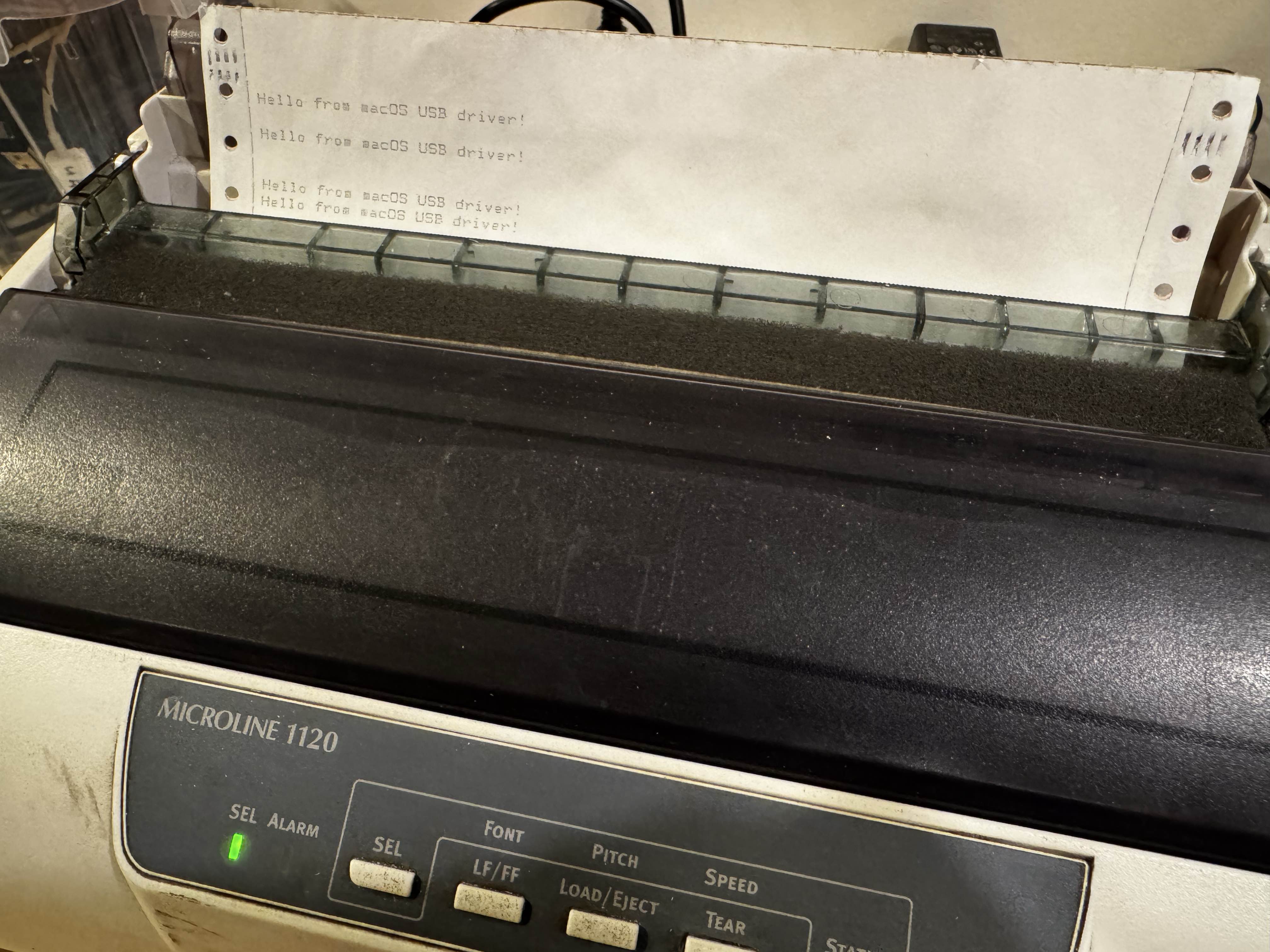

I recently was given an old Dot Matrix Printer. From what I can gather, it was new around 2006-ish. Maybe. They have drivers available for Windows on their site. For MacOS - no joy. Nor would I want to install what I imagine likely over engineered and non-free.
In trying to see if macOS would figure out what to do with it - my Mac decided to configure it as a generic PostScript printer. This had the fun side effect of it printing two pages worth of PostScript commands as it tried to detect features. So clearly - the USB interface is pretty much just an onboard serial adapter and if we can get ahold of it, we can send text and print.
I was originally going to buy a DB25 to USB adapter, which probably is the more ‘universal’ way of doing this, and then I could just cat X > /dev/ttyUSB.... But what’s the fun in that.
So, I vibe hacked this client together to interact with it. I figured if I could get access to the device over USB, I could just pipe data into the device and it would print it out.
Process
It does the following:
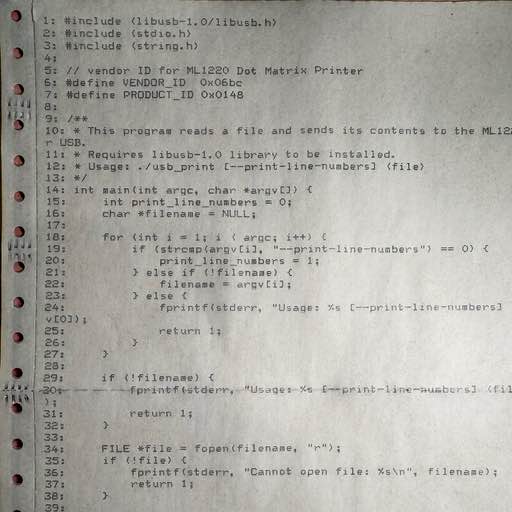
- Open the user file on disk to check it exists, parse args (I added a
--print-line-numbersfor code printing). - Init libusb via
libusb_init - Claim the device via it’s vendor/product ID
libusb_open_device_with_vid_pid - Claim the first interface the device exports
libusb_claim_interface - Open the file, and buffer it out line by line, prepending line numbers.
- Close and clean up usb/file.
https://github.com/richinfante/ml1120-usb-print
Initial Test - Success!