
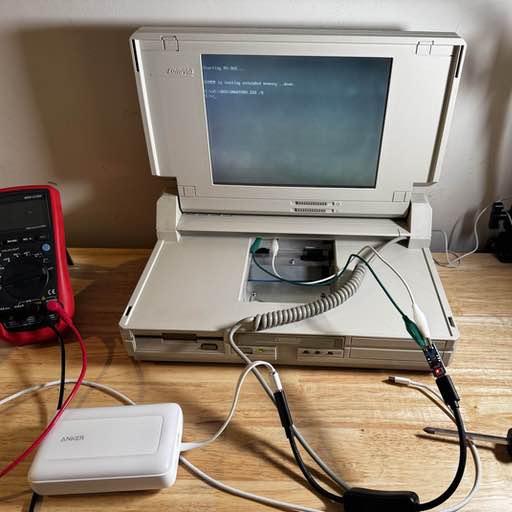
Requirements:
- Use a portable battery, something TSA approved. Not that I’m planning on taking this on a plane, but I’d rather not mess with lithium ion batteries if I don’t need to.
- Voltage Meter (because It’s cool)
- A switch to cut power
Step one.. order some parts. I might 3D print an enclosure, and if I do, I might also order a tiny PCB to interface with the power contacts. In an ideal state, I can remove the battery much like you would originally. I’m going to see if I can fit a voltage meter showing current output, because … why not?
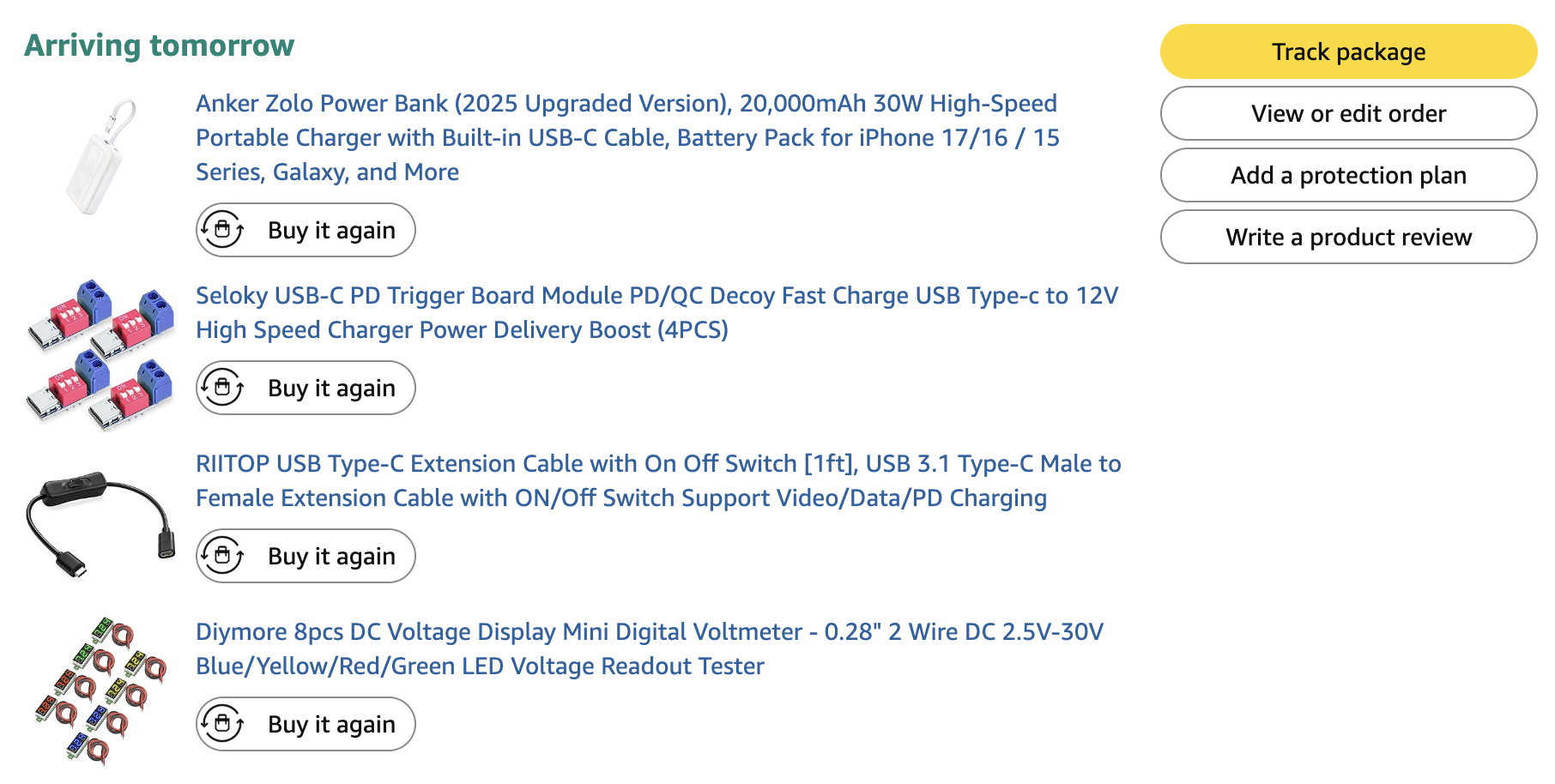
I decided on this specific Anker power bank, mainly since it supports USB 12V PD, and also it should fit within the battery enclosure slot.
Bench Test
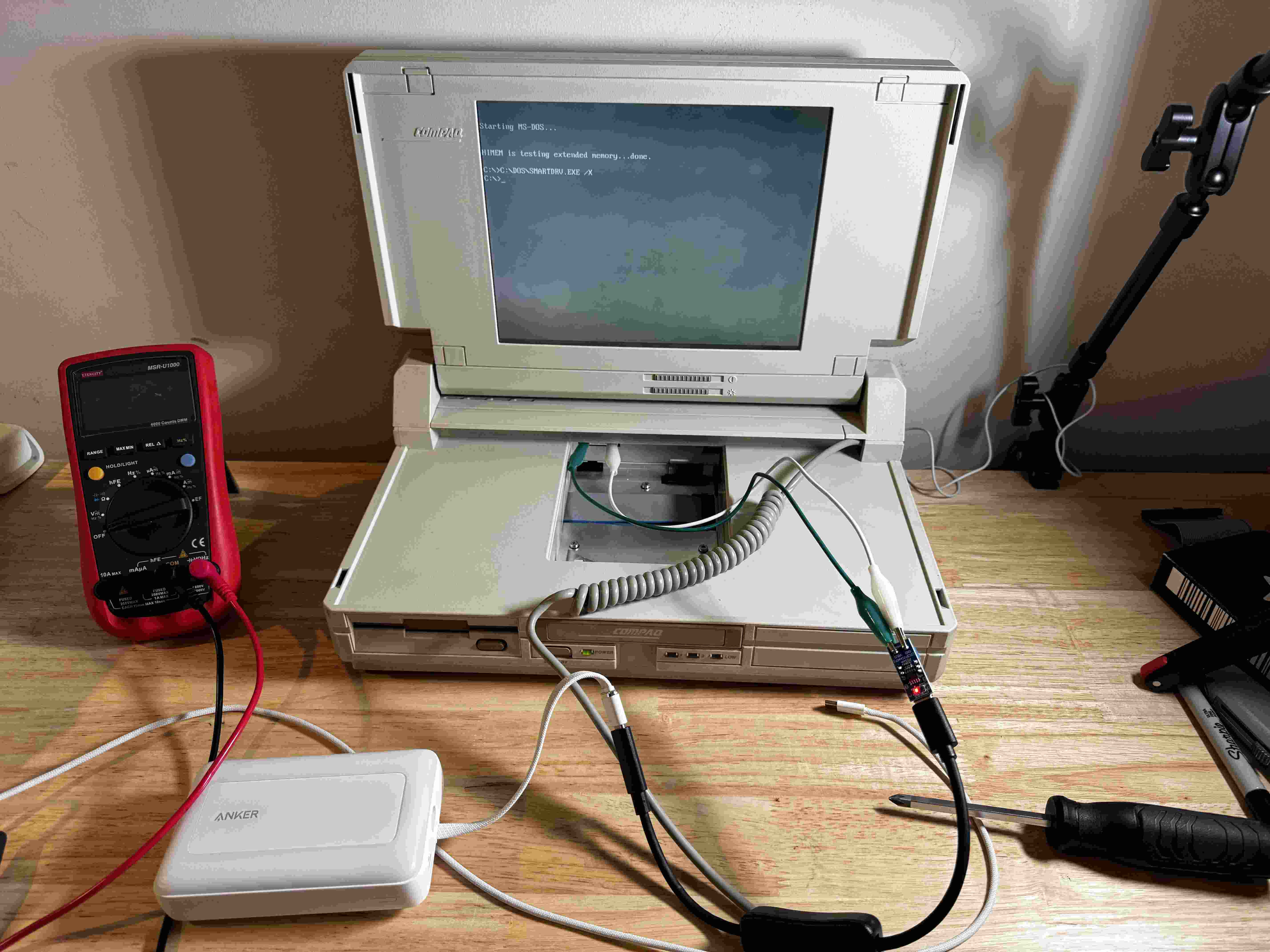
Before designing anything, I first needed to make sure this would work. After configuring the DIP switches on the PD activator so it would output 12V, I wired it up and started the laptop. Success! The only downside - is you can’t use it while charging. The it stops outputting power if you plug in the power bank.
Thoughts & Future Direction
It has decent battery life, and the built in percentage meter on the battery is relatively easy to see remaining capacity. The main issue I see is that you do need to entirely disconnect the battery from the PD activator (a USB C switch doesn’t work).
For now, I’m going to harden this against short circuits and continue to test it. If all goes well, maybe I’ll design a 3d-printed cartridge to contain the battery and PD circuitry with some kind of slide switch disconnect toggle that does the unplug/plug action for the user.