
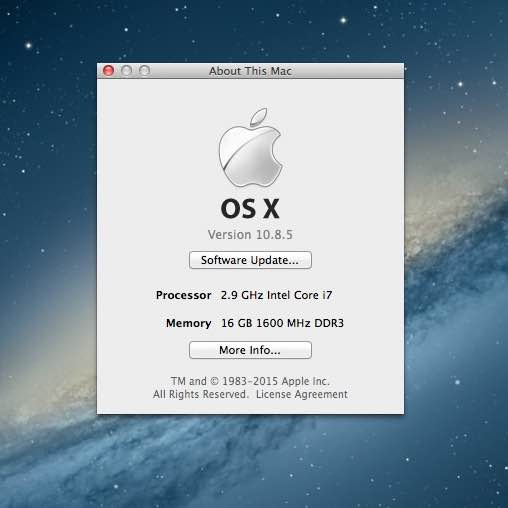
Current State
I used Opencore patcher to install macOS Ventura, (I think it was). So, the disk was APFS partitioned, and it didn’t quite work smoothly. I have a couple older iPods and I wanted to be able to sync iPod games and also feel a bit of the old Mac OS nostalgia.
Making a Working Installer
I’m not sure why this was needed - usually, just writing InstallESD.dmg to a disk works for making installers? But, for some reason - it would boot the initial part, then crash with a crossed out circle. Which is not optimal.
It might be the changes made for booting Opencore legacy patcher.
I did the normal writing of InstallESD to a USB drive, and through some experimentation - landed on a version that actually would boot. Thanks to ChatGPT debugging & some trial and error - this is the command log that produced a working disk:
# extract contents
mkdir ~/ML-extract
pkgutil --expand-full ./InstallMacOSX.pkg ~/ML-extract
diskutil unmountDisk /dev/disk4

# restore InstallESD
sudo asr restore \
  --source "/Users/rich/ML-extract/InstallMacOSX.pkg/InstallESD.dmg" \
  --target /dev/disk4 \
  --erase
Modifications:
hdiutil attach "/Users/rich/ML-extract/InstallMacOSX.pkg/InstallESD.dmg"
sudo asr restore \
  --source "/Volumes/Mac OS X Install ESD/BaseSystem.dmg" \
  --target /dev/disk4s2 \
  --erase

diskutil mountDisk /dev/disk4

# replace packages
sudo rm "/Volumes/Mac OS X Base System/System/Installation/Packages"
sudo ditto \
  "/Volumes/Mac OS X Install ESD/Packages" \
  "/Volumes/Mac OS X Base System/System/Installation/Packages"

# this doesn't work from golden gate, but i ran it anyways.
sudo bless \
  --folder "/Volumes/Mac OS X Base System/System/Library/CoreServices" \
  --bootinfo \
  --bootefi

bless --info "/Volumes/Mac OS X Base System"

diskutil eject /dev/disk4
Installing
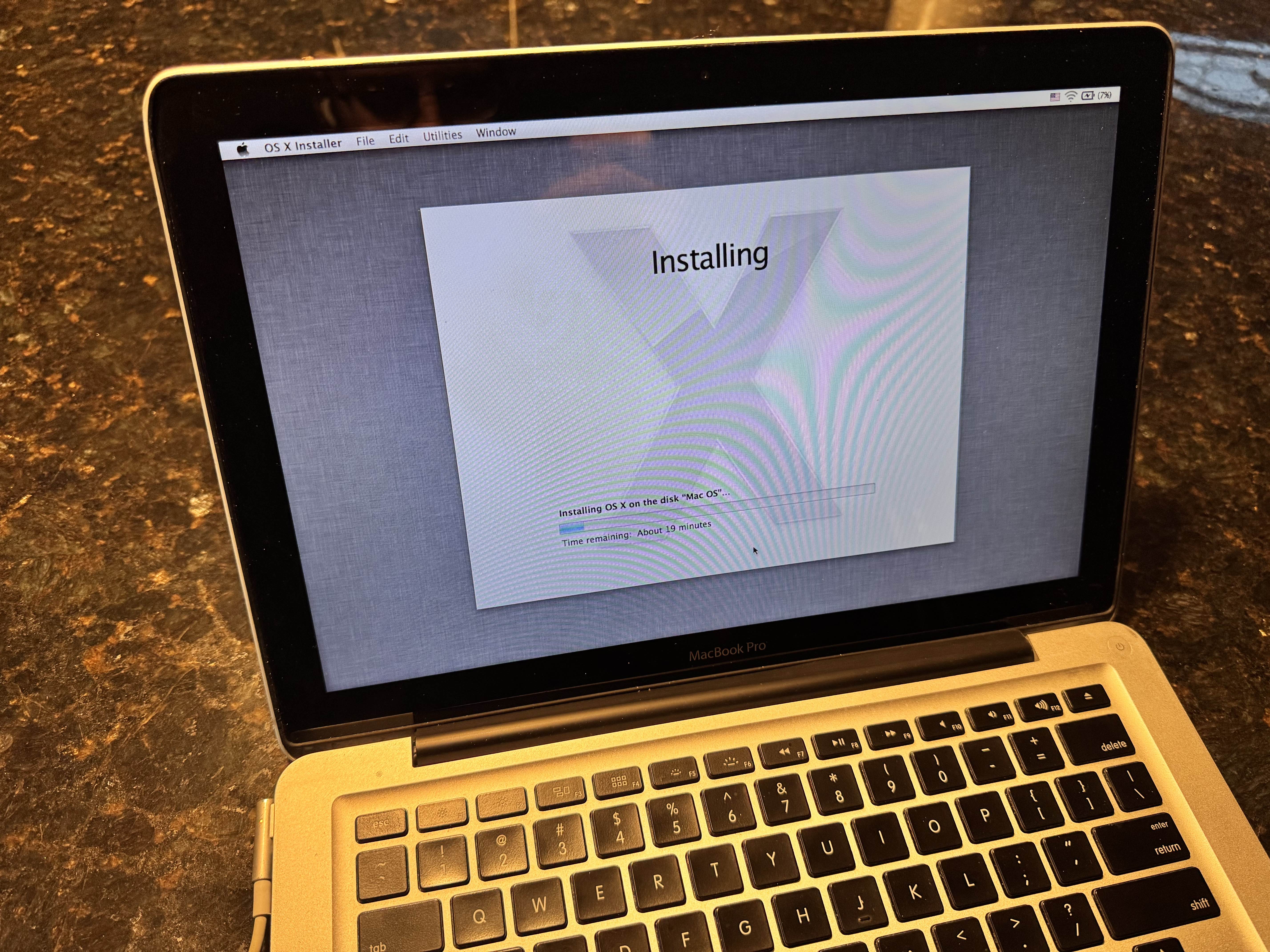
This took not that long, with the SSD I installed long ago. I did need to enter the disk utility to manually erase the disk - as it did not even see the APFS-formatted drive.
Getting things to work
SSL
I downloaded this SSL Root Cert bundle. Then, I installed AquaTransport, downloaded from MavericksForever. I did need to re-install after applying some updates, as noted below.
I then was able to open the app store, and install some system updates (just within Mountain Lion).
I then un-installed and re-installed AquaTransport, as I think this update overwrote some of its files.
Web Browser
Using Mojimi for dowloading things. It’s kind of stable.
iTunes
I downloaded version 12.4.3.1 it directly from the Apple Website. The original install of iTunes 11 did not work (from what I’m reading, Apple gates access based on User Agent). I was able to access my iTunes library with all my recent purchases and music in the cloud, which was surprising.
My main use case for this, is to be able to sync my games to my iPods if I choose, without dealing with VMs.
Other Working Apps
- iMessage
- Calendar
- iWork ‘09
Should you do this?
Probably not. But, for most people, does it really matter?
It boots in about 5 seconds flat. It takes more time to enter my password than it does to boot with the SSD I put in it long ago. Also, no Filevault enabled.
Thoughts
Maybe it’s part nostalgia, but the experience just feels simpler. Especially things like the old system preferences, which you don’t need to scroll all through 300 items to find the section you need.
Also, skeuomorphism is everywhere, and I’m here for it. The old notes and reminders apps are so simple.
But most of all, I’m kind of surprised I can listen to my iCloud music.